The video streaming market has exploded over the past few years and you’d be hard-pressed to find someone today who doesn’t stream video content. As video streaming companies compete with each other for viewers, we benefit from improved offerings and tempting prices with the likes of Sky even pitching in with its Sky Go service. Want to set up Sky Go on Chromecast? We’ll tell you how in this guide.
Sky Go is an on-demand video service from Sky TV—available only to residential customers in the UK and Ireland. Packed with an impressive catalogue of video content, Sky TV offers a range of excellent subscriptions, so if you’re looking for quality content, check out these our Sky TV deals and packages.
In this article, we take you through the steps to follow to set up Sky Go on Chromecast, so you can start streaming your favourite shows and films.
- Read more: our guide to the best TV streaming services
Is Sky Go on Chromecast yet?
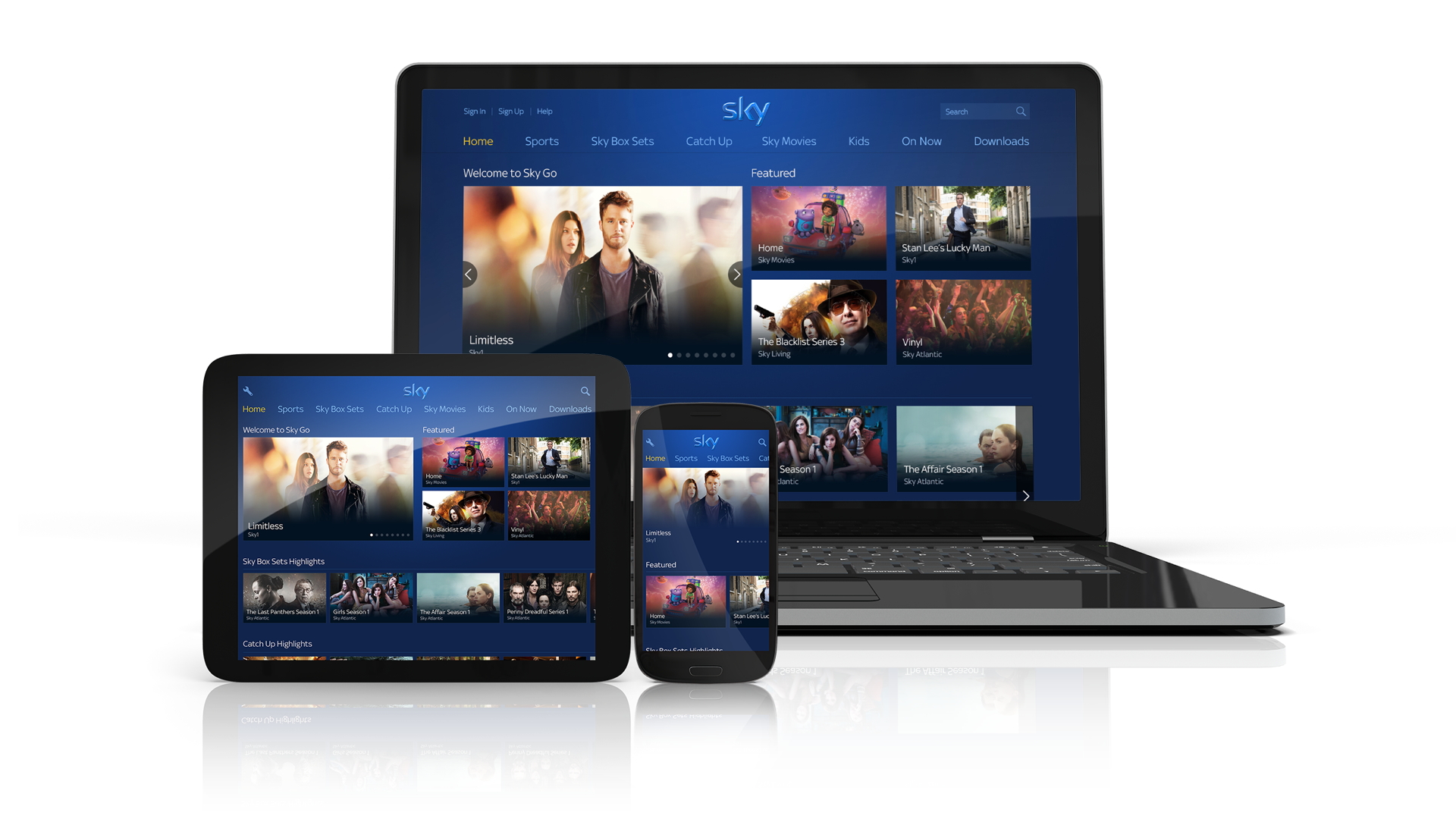
Sky Go is available on Chromecast, but only on Chromecast Ultra and Chromecast 3rd Generation. Since Sky Go doesn’t support casting from a browser currently, you’ll need to install the latest version of the Sky Go app on your iPhone, iPad, or Android device.
How to install Sky Go on Chromecast
Chromecast is a media streaming device that enables you to cast content from your computer, tablet, or smartphone, onto a TV or monitor. This means you can’t actually install Sky Go on Chromecast. Instead, you can cast the Sky Go app onto a monitor using Chromecast.
To get started, you’ll have to install and launch the Sky Go app on your smartphone or tablet. Then, look for the Chromecast icon (a small TV with the Wi-Fi symbol) in the top right-hand corner of the app. Select the icon and you’ll be able to connect to your Chromecast.
After you’ve connected, choose the film or show you’d like to watch and press play to begin streaming it on your monitor. For a seamless casting experience, make sure your Wi-Fi connection is swift and stable.
If you have issues installing the application, you can visit the Sky website and check out their Help Guide, or the Sky Community. You can also call a Sky expert to clarify where the problem lies.
What can I watch on Sky Go with Chromecast?
Sky has several subscription plans for its users, so what you can watch depends on your Sky TV plan. All Sky TV customers have free access to Sky Go.
The subscription includes Sky TV channels like Sky Atlantic, Sky One, and Comedy Central, through which you can watch shows such as Your Honor, The Flight Attendant, and South Park.
There are also optional add-ons available, so you can build an expansive content library tailored to your tastes. For example, with the Sky Cinema add-on, you can stream films like Zack Snyder’s Justice League, Moneyball, and The Witches. Meanwhile, the Sky Sports add-on will ensure you never miss a Premier League game.

What other streaming services are available on Chromecast?
The video streaming market is chock-full of services, which means viewers have plenty of options to choose from. You can access these streaming platforms and more through a Chromecast:
- Netflix
- YouTube
- Disney Plus
- Amazon Prime Video
- Hulu
- HBO Max
- Paramount Plus
What other devices can I watch Sky Go on?
Other than Chromecast, Sky Go is also available on PC, mobile, and tablet. You can activate one subscription on up to six devices, but you can’t stream simultaneously on all of them.
To access Sky Go through a gaming console, like Xbox One or PS4, you’ll need to pay added fees and get Sky Go Extra. Follow our full guides on how to get Sky Go on Xbox and Sky Go on PS4. This will also let you stream on two devices at once.
Read more:
- Want to watch Sky Go on Apple TV? Find out how
- Actually after the best Sky broadband deals?
- Watch good TV - the best Hulu shows

No comments:
Post a Comment